IT
SUPPORT.
Ongoing maintenance, troubleshooting and technical support for computers, software, accounts, networks and everyday business IT — with enough documentation to stop the same issue becoming a permanent mystery.
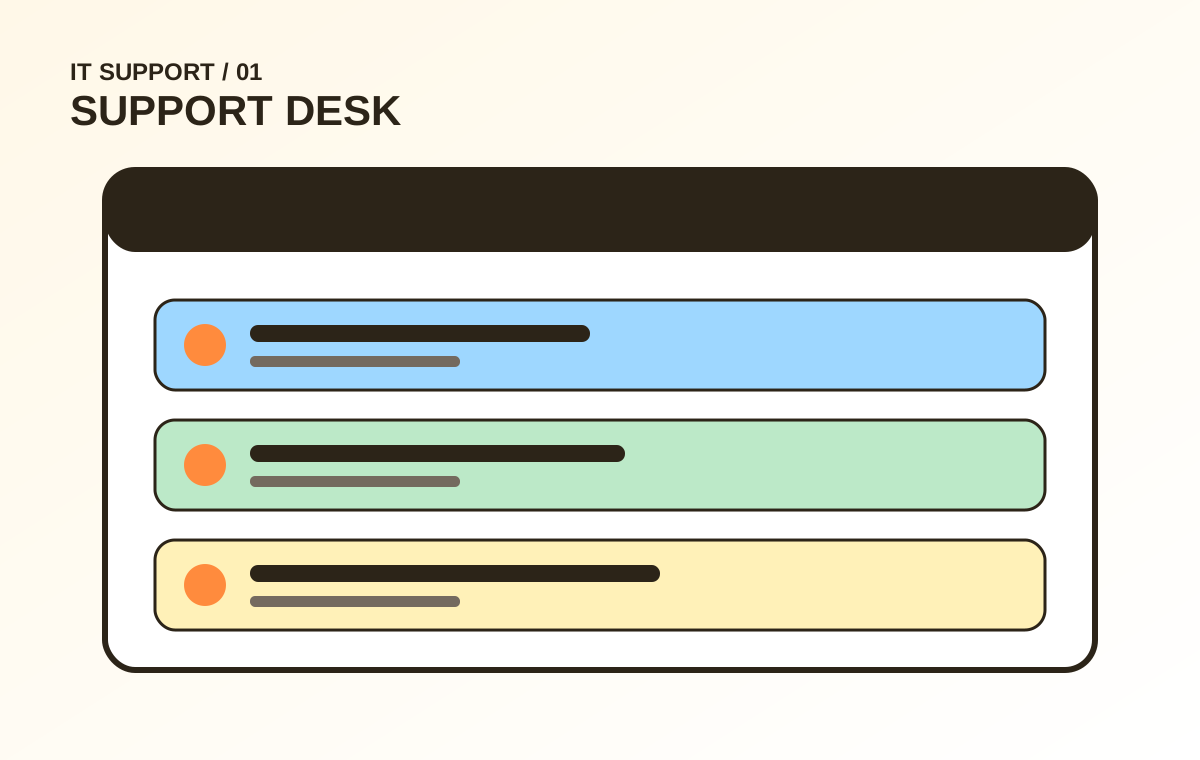
Cannot access shared folder
Access / NetworkLaptop very slow after startup
Device / PerformanceEmail account setup for new user
Account / OnboardingPractical help for the technology used every day.
PC & Laptop Support
Performance issues, startup problems, storage, drivers, software installation, diagnostics and basic maintenance.
Software Support
Application installation, configuration, updates, common errors and user guidance for supported software.
Accounts & Access
User onboarding, password reset processes, permissions, email setup and access troubleshooting.
Network Support
Connectivity, shared resources, Wi-Fi, basic router/switch issues and internal access troubleshooting.
Printer & Peripheral Support
Printer setup, driver issues, scanners, external storage and common office hardware problems.
Preventive Maintenance
Updates, storage checks, device health review, cleanup and recurring maintenance scheduling.
Not every ticket should wait in the same queue.
Business stopped
Major outage, many users affected or an important service unavailable.
Major limitation
Important work blocked for a user or team with no practical workaround.
Work impacted
Issue affects productivity but a temporary workaround exists.
Planned task
Install, setup, access request, advice or improvement that can be scheduled.
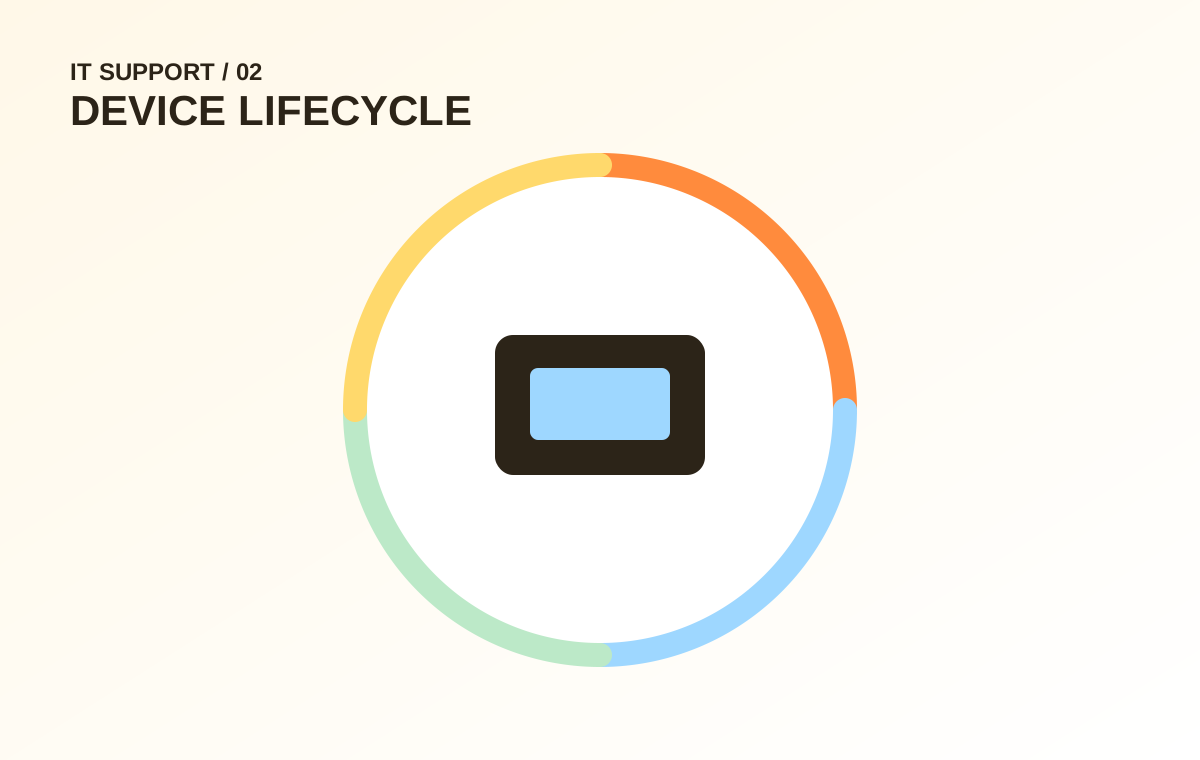
From problem report to useful resolution notes.
Record
Capture device, user, symptoms and impact.
Diagnose
Reproduce, isolate and identify likely cause.
Resolve
Apply fix or safe workaround.
Verify
Confirm normal operation with the user.
Document
Record solution and preventive action.
Support also means knowing what equipment exists.
Asset records
- Device name and asset ID
- Assigned user or department
- Model and serial information
- Operating system and major software
- Warranty / purchase reference
- Service and issue history
Maintenance records
- Updates applied
- Storage or disk condition
- Battery / hardware observations
- Repair or replacement recommendation
- Backup status where relevant
- Next maintenance action
New staff should not spend the first day hunting for access.
User Setup
Create or prepare required accounts and apply the correct role or group access.
Workstation Setup
Prepare operating system, updates, software, peripherals and security basics.
Resources
Connect shared folders, printers, email, portals and required internal services.
Quick Guidance
Give the user a short reference for login, support contact and important daily systems.
Verification
Confirm the user can access the tools needed for the role before handover.
Asset Assignment
Record the issued device and any accessories for future support and return tracking.
Fixing issues before failure is cheaper than emergency recovery.
Routine device checks
- System updates
- Storage capacity
- Startup performance
- Security software status
- Driver / firmware needs
- Physical condition
Routine environment checks
- Shared storage availability
- Network connectivity
- Printer / peripheral health
- Backup completion
- Account access changes
- Recurring issue patterns
More visual depth, less wall of text.
Common questions.
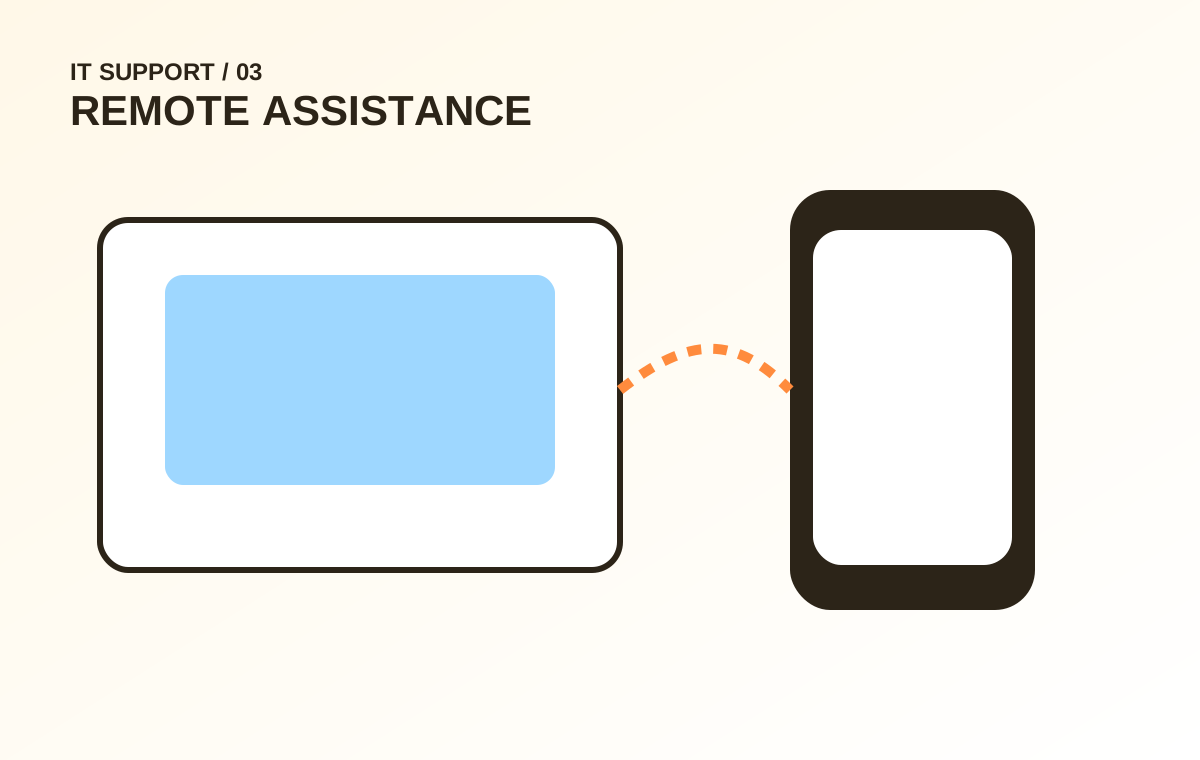
Can support be remote?
Many software, account and configuration issues can be handled remotely when a safe remote-support method is available.
Can maintenance be scheduled instead of waiting for problems?
Yes. Preventive maintenance can be planned monthly, quarterly or according to device and business needs.
Can support include asset tracking?
Yes. A simple asset register can be maintained for devices, assigned users, maintenance history and movement records.