CUSTOM
SYSTEMS.
Purpose-built business systems designed around the way your organisation actually works: users, roles, approvals, records, dashboards, notifications and reporting — without forcing the workflow into a generic tool.
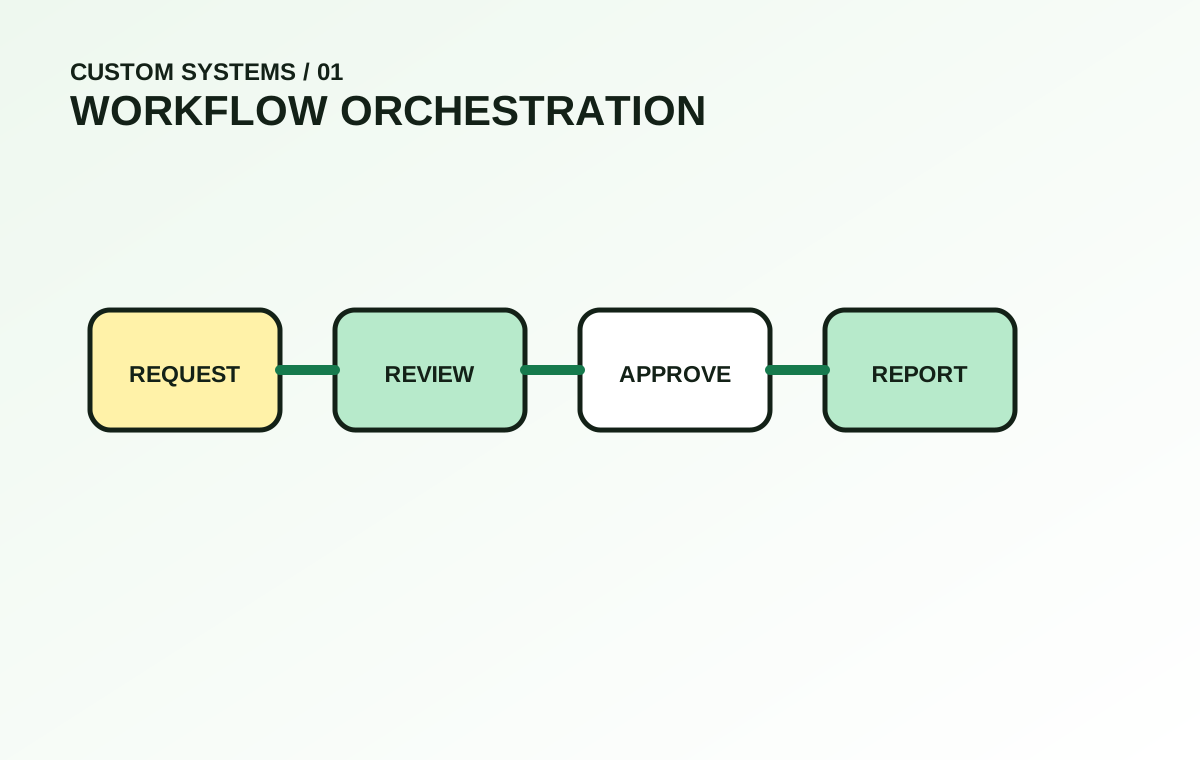
Capture
Forms, requests, records, uploads and events.
Validate
Permissions, conditions, required data and checks.
Process
Assignments, approvals, status and escalation.
Report
Dashboards, exports, documents and notifications.
Improve
Usage patterns reveal where the workflow can be better.
Built for repetitive work that deserves a better process.
Asset Management
Track equipment, ownership, movement, condition, service history, documents and responsible users.
Attendance & HR Tools
Staff records, attendance, leave requests, approvals, notices and lightweight HR administration.
Booking & Scheduling
Appointment slots, resources, staff assignment, reminders, status changes and customer records.
Inventory & Requests
Stock records, request forms, approvals, issue/return flow and simple procurement tracking.
Training & Learning Portals
Users, courses, materials, quizzes, progress, results, certificates and role-based access.
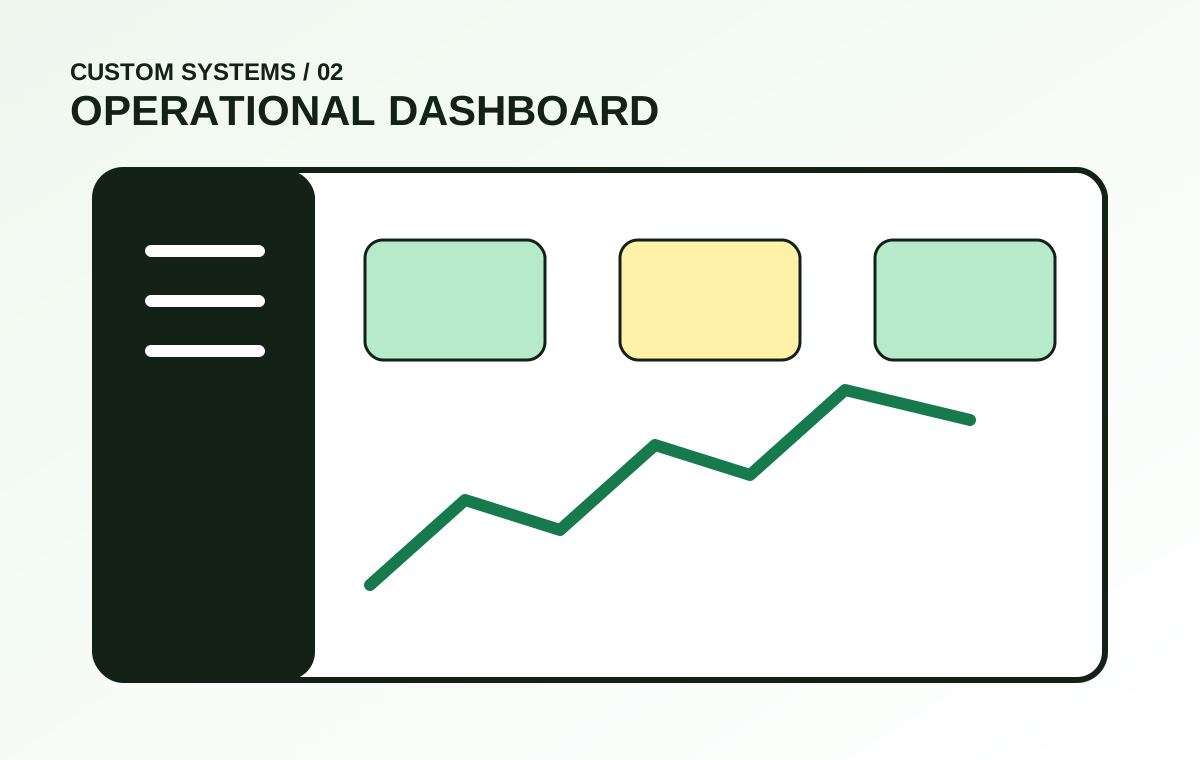
Operations Dashboards
Combine records, alerts and metrics into one controlled view for daily decision-making.
We model the work before we code the screens.
Typical roles
The building blocks behind most business systems.
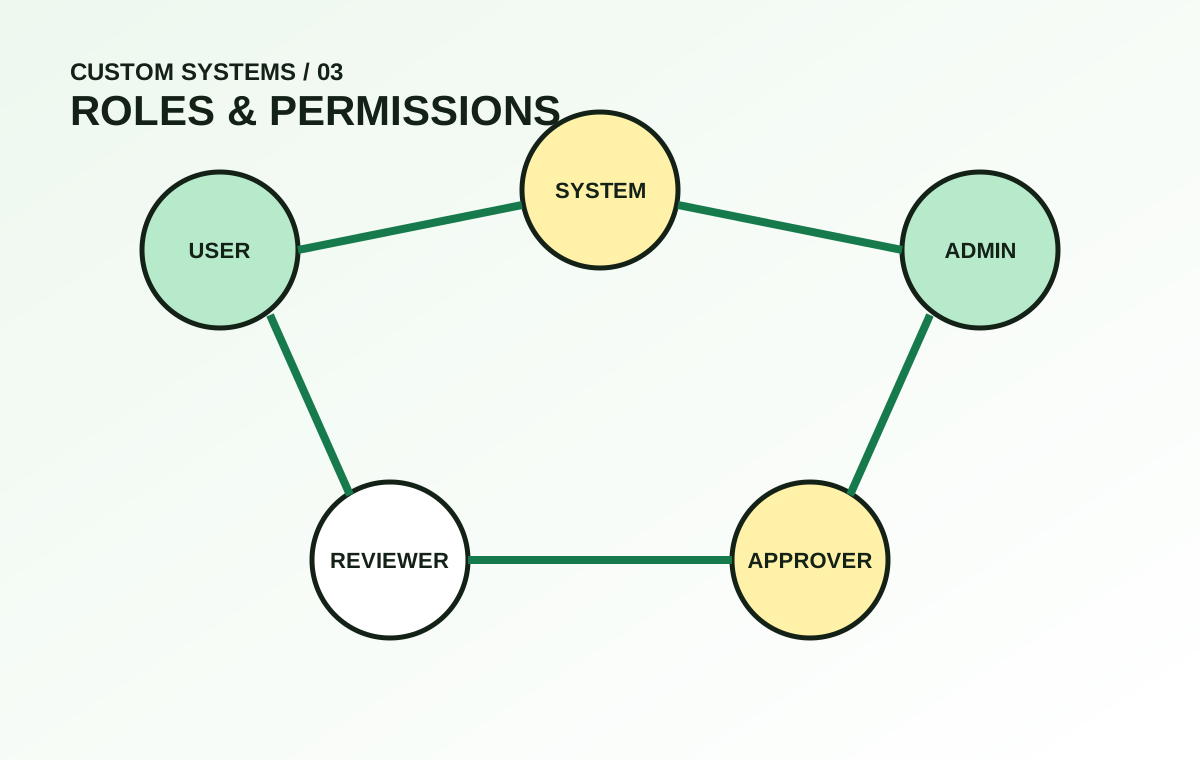
Users & Roles
Role-based permissions so each user sees only the modules and actions relevant to their responsibility.
Structured Data Capture
Validated forms, conditional fields, attachments and reusable data records.
Status & Approval Logic
Controlled transitions, review states, approval routes and escalation rules.
Notifications
Email, in-system messages or supported messaging integration for important workflow events.
Dashboards & Exports
Operational summaries, filtered reports, CSV/PDF outputs and management visibility.
Activity History
Record important actions, timestamps and responsible users for traceability.
Business software needs structure, not just features.
Data discipline
- Clear data ownership
- Consistent field definitions
- Validation before records are accepted
- Unique identifiers for important entities
- Retention and archival rules where needed
- Controlled imports and exports
Access discipline
- Least-privilege role design
- Admin actions separated from daily use
- Audit history for sensitive changes
- Secure password and session handling
- Appropriate approval checkpoints
- Environment and secrets separation
Systems are introduced in usable increments.
Examples of where custom systems make sense.
Operational environments
- Small businesses replacing spreadsheets
- Training centres managing student records
- Service teams tracking jobs and requests
- Internal IT asset and maintenance records
- Member organisations with approval workflows
- Teams handling repetitive document-based processes
Signals you may need one
- The same information is entered repeatedly
- Status is tracked through chat messages
- Files are difficult to locate
- Approvals have no consistent history
- Reports take too long to compile
- Generic software forces awkward workarounds
More visual depth, less wall of text.
Common questions.
Can a system start small and add modules later?
Yes. A phased architecture is often preferable: launch the core workflow first, then add reporting, automation and secondary modules.
Can different users have different dashboards?
Yes. Dashboards and permissions can be tailored by role, responsibility or department.
Can the system export reports?
Yes. Depending on the use case, data can be filtered and exported to formats such as CSV or PDF.
Can it connect to an existing website?
Yes. A system can run as part of the same domain, a subdomain or a separate application depending on architecture.