CLOUD
& SERVER.
Reliable infrastructure for deployment, hosting, storage, monitoring, backup and business continuity — designed so services can be maintained without turning the environment into a mystery.
From one server to a maintainable production environment.
Server Deployment
Linux or Windows server setup, role planning, updates, remote access, storage and essential system services.
Web Hosting Stack
Application runtime, database, reverse proxy, HTTPS, domain records and deployment workflow.
Cloud Migration
Move supported workloads from local hosting or old providers into a cleaner managed environment.
Backup & Recovery
File, database and system backup strategy with retention, restore testing and recovery documentation.
Monitoring
Track uptime, resource usage, service health, logs and important failure conditions.
Private Access
Secure remote administration using controlled access paths, VPN-style networks or approved management tools.
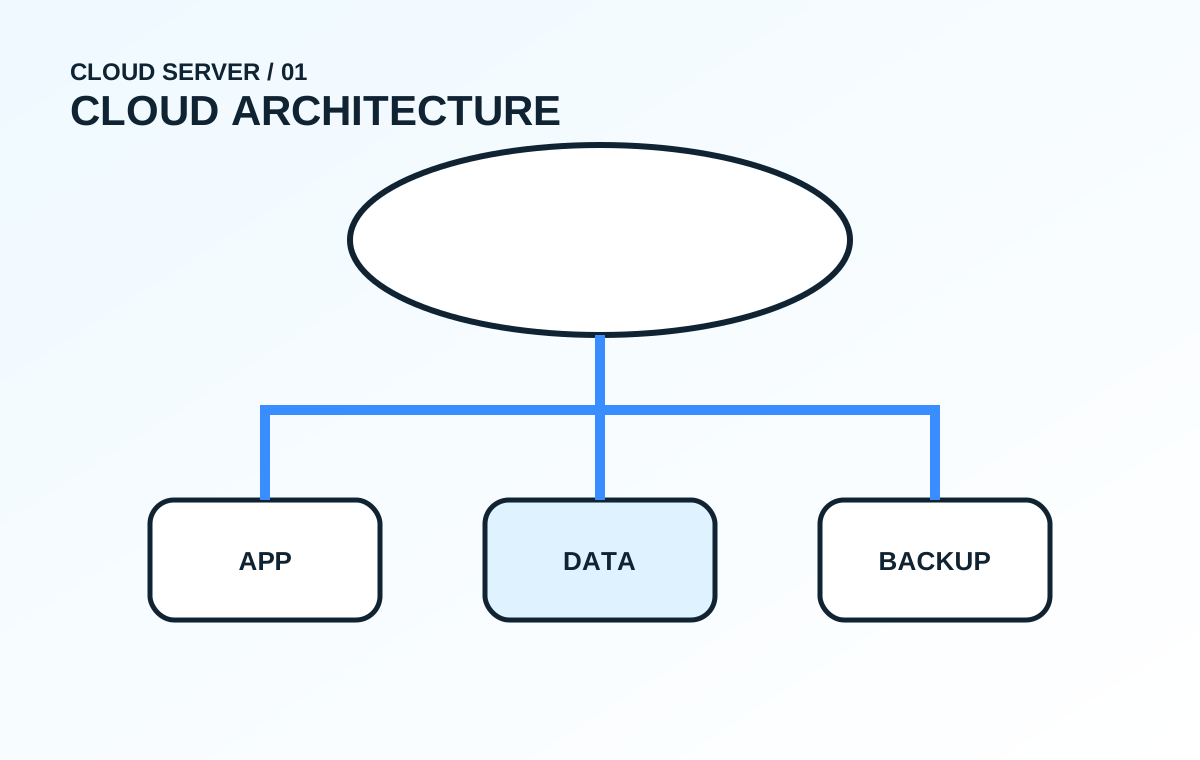
A simple infrastructure map makes maintenance much easier.
DNS / HTTPS
Domain records, certificates and public entry points.
Application
Web or API services running in a controlled runtime.
Database
Structured persistence with access restrictions and backup.
Files
Documents, uploads, media and backup destinations.
Monitoring
Health checks, logs, alerts and operational visibility.
Infrastructure needs routine attention after setup.
Routine maintenance
- Operating system updates
- Application and package updates
- Disk usage and storage review
- Backup completion checks
- Log and alert review
- Account and access review
Change management
- Document what changed and why
- Use staging where appropriate
- Back up before risky changes
- Keep rollback options available
- Avoid unmanaged manual configuration
- Review impact after deployment
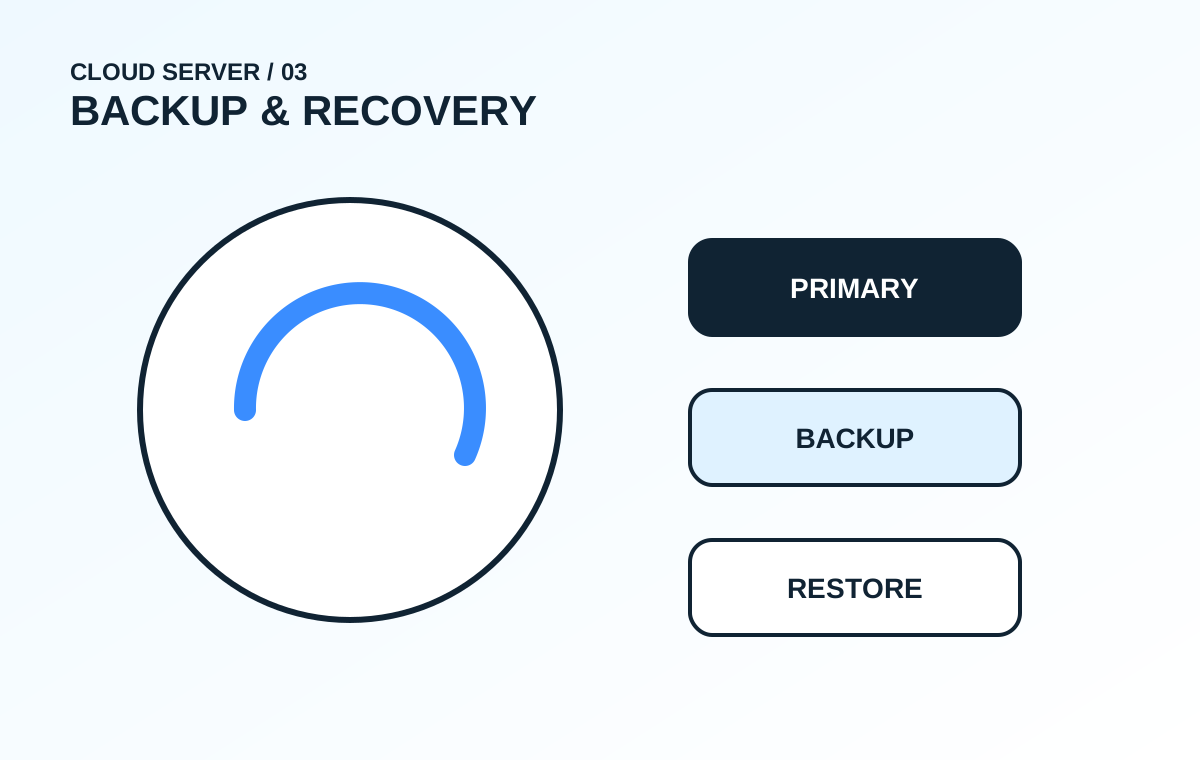
A backup is only useful if it can actually be restored.
Multiple copies
Important data should not rely on a single device or a single storage location.
Retention
Keep enough history to recover from accidental deletion, corruption or delayed discovery.
Restore tests
Periodically verify that backups can be restored with the credentials and documentation available.
Know the health of the environment before users report a problem.
Infrastructure sized around the actual workload.
Business Server
Centralised files, internal services, backups or lightweight applications for a small team.
Production Hosting
Deploy websites, portals and APIs with domain, HTTPS, database and monitoring.
Training / Test Environment
Controlled lab infrastructure for learning, development, demos or internal testing.
Infrastructure is easier to protect when it is simple and documented.
Access
- Limit administrative accounts
- Use secure remote access methods
- Disable unused services
- Separate public and private interfaces
- Rotate compromised credentials quickly
- Keep access records where possible
Resilience
- Patch regularly
- Monitor failed services
- Protect backup destinations
- Document recovery steps
- Keep configuration references
- Test changes before major releases
More visual depth, less wall of text.
Common questions.
Can an old PC be used as a server?
For learning, lab work or light internal services, yes. For critical production workloads, hardware reliability, power protection, backup and supportability should be considered carefully.
Can the server be accessed remotely?
Yes, through secure management methods such as controlled VPN-style access, SSH/RDP with restrictions or approved management platforms.
Can cloud and local servers be combined?
Yes. Hybrid setups can keep selected workloads local while using cloud services for public applications, backup, monitoring or other needs.