AI &
AUTOMATION.
Practical AI assistants and workflow automations that reduce repetitive work, organise information, trigger actions and improve response time — while keeping important decisions visible and reviewable.
Use automation where it removes friction, not where it removes accountability.
AI Assistants
Knowledge assistants for websites, internal portals or teams that answer from approved information sources.
Workflow Automation
Trigger notifications, record updates, approvals, routing or follow-up actions when defined events occur.
Document Processing
Extract, classify, summarise or route information from supported documents and structured submissions.
Support Automation
Help users find answers, gather issue details and route requests before a human takes over.
Reporting Automation
Prepare recurring summaries, operational reports and structured updates from available data sources.
Internal Tools
Combine APIs, forms and business rules into lightweight automation tools for daily operations.
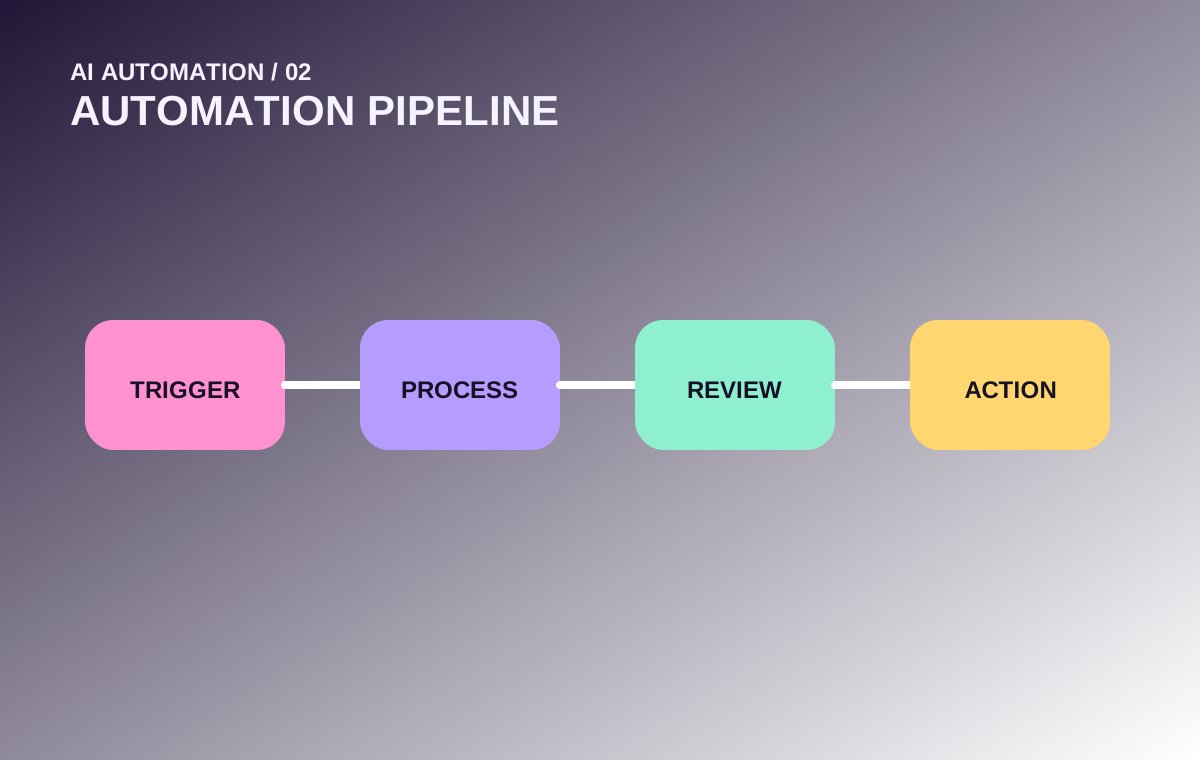
A reliable automation has a clear start, rules and fallback.
Trigger
A form, email, event, schedule or system change.
Collect
Gather required context from approved sources.
Process
Apply rules, AI or transformation logic.
Review
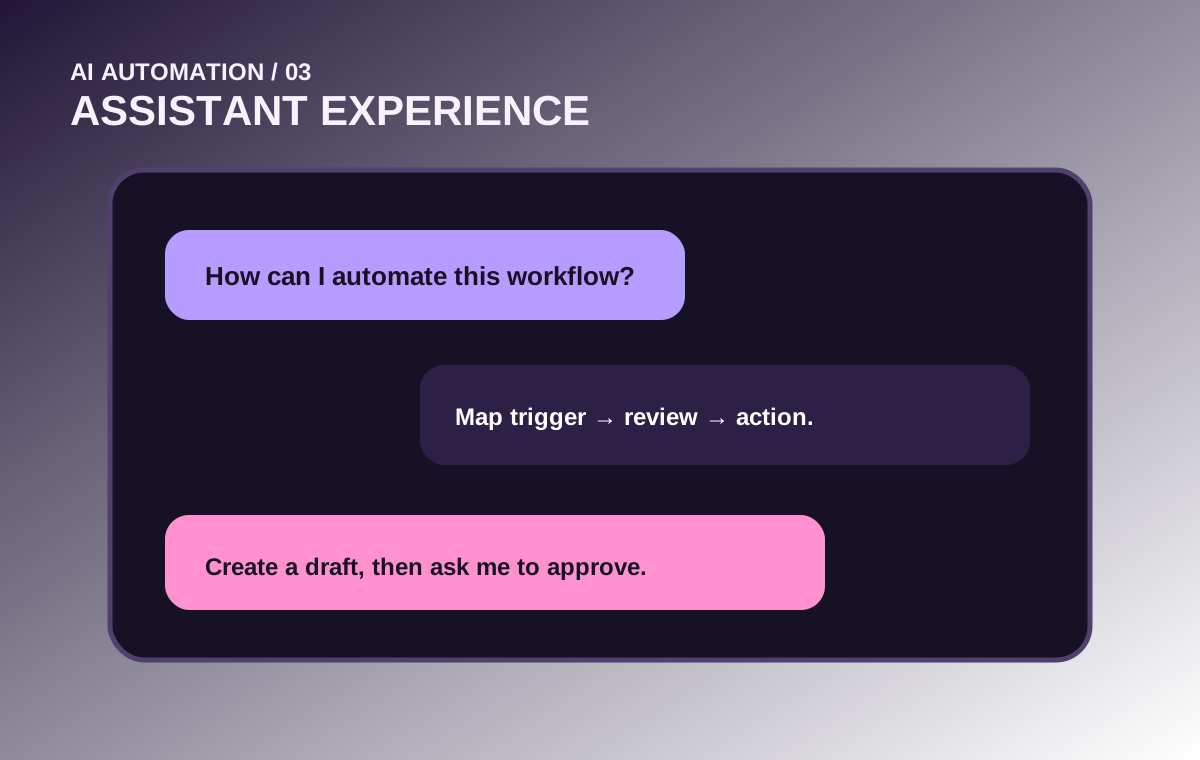
Human approval where decisions matter.
Act
Send, update, create, classify or notify.
Log
Record outcome and enough history to troubleshoot.
Not every automation should be fully autonomous.
Good candidates for automation
- Repetitive data movement
- Routine summaries
- Status notifications
- Known routing rules
- Standard response drafting
- Low-risk classification
Good candidates for human approval
- Financial commitments
- High-impact customer decisions
- Permission changes
- Public-facing sensitive content
- Ambiguous exceptions
- Actions difficult to reverse
Useful automation patterns.
Request triage
Collect issue details, classify category and route to the right person.
Lead follow-up
Record enquiries, enrich context and prepare a structured follow-up task.
Daily summary
Compile defined operational data into a repeatable daily briefing.
Document intake
Extract known fields, validate required information and flag missing items.
Knowledge assistant
Answer questions from approved internal content with scoped behavior.
Exception monitoring
Watch for specific conditions and notify only when intervention is needed.
Record updates
Synchronise selected fields across systems after a verified event.
Recurring reports
Generate structured weekly or monthly summaries from source data.
Useful answers start with controlled knowledge.
Knowledge sources
- FAQs and service information
- Internal policy documents
- Product or programme information
- Structured database content
- Approved help documentation
- Frequently updated reference content
Guardrails
- Define what the assistant may answer
- Prefer approved sources over guessing
- Escalate when information is missing
- Do not expose restricted content
- Log important failures and feedback
- Review knowledge as content changes
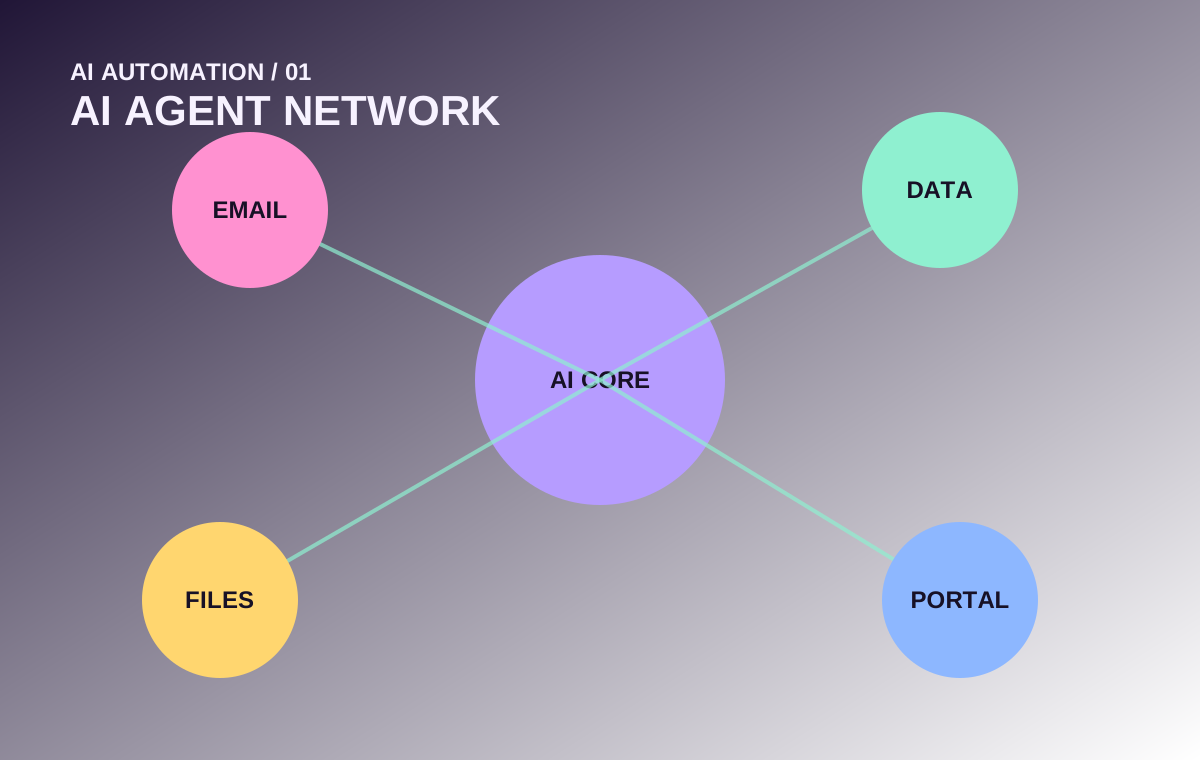
Automation becomes more useful when systems can talk.
Application APIs
Read or update supported systems through documented APIs and authenticated service access.
Databases
Use structured records as triggers, context or destinations while respecting permissions.
Route messages, extract approved information and prepare follow-up workflows.
Documents
Process uploaded documents or known file repositories for specific workflow tasks.
Messaging
Send alerts or structured updates through supported messaging channels.
Portals
Embed assistants and workflow actions directly into internal or customer-facing portals.
More visual depth, less wall of text.
Common questions.
Does every AI automation need a chatbot?
No. Many useful automations run in the background: routing, summarisation, document handling, reporting and exception alerts.
Can a human approve actions before they happen?
Yes. Human-in-the-loop approval is recommended for high-impact or difficult-to-reverse actions.
Can AI use company-specific information?
Yes, when approved sources and access controls are defined appropriately. The solution should limit what information the assistant can retrieve and expose.